AssetBank
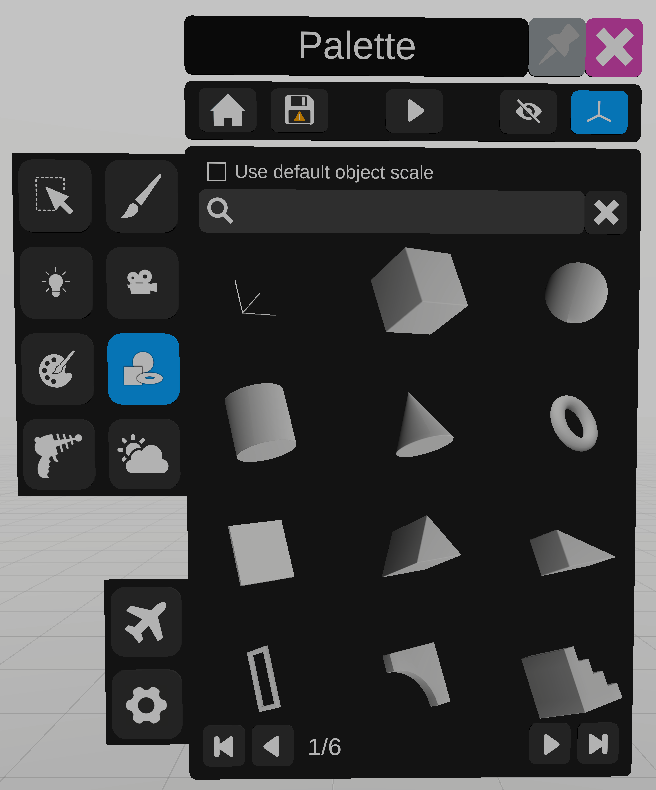
The asset bank tool is used to add objects to the scene.
To add an object, target it with the laser, then use the grip to drag it into the scene.
Use the icons at the bottom of the asset panel to browse all available assets.
Use the secondary controller with the grip to place the object. Change the size of the object by moving the joystick up and down on the secondary controller.
Use the duplicate button instead of releasing the grip to add multiple instances of the same object.
The assets available in the asset bank, are a list of predefined objects. To add an object to the asset bank, add the .fbx file into the default asset folder.
The folder location can be found in the settings screen.