Painting
The painting tool is used to paint or draw on the environment.
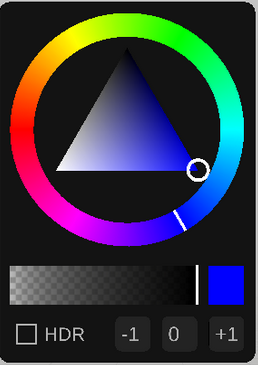
Use the color selector panel to change the color.
There are multiple types of painting tools:
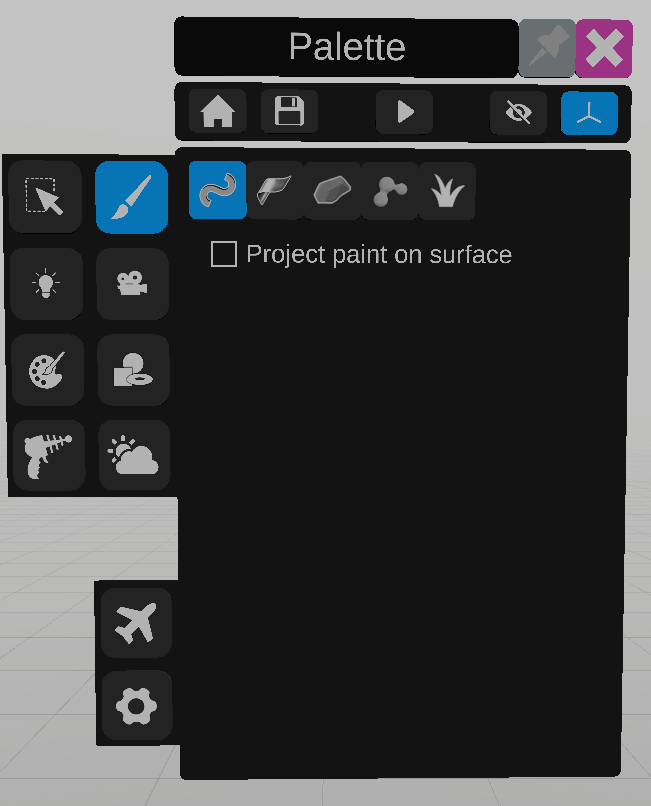
The drawing tube tool draws tubes with the secondary controller. Check “Project paint on surface” for the tube to be projected on the surface of an object’s collider.

The paint ribbon tool draws ribbons instead of tubes.

The paint hull tool creates a volume whose edges follow the controller (convex hull).

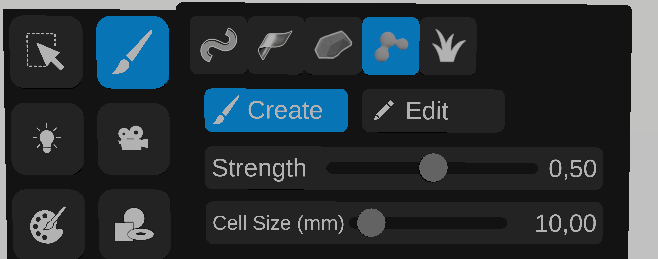
The paint volume tool creates a volume by making cells that will link to other close cells of the same drawing (metaballs, marching cubes).
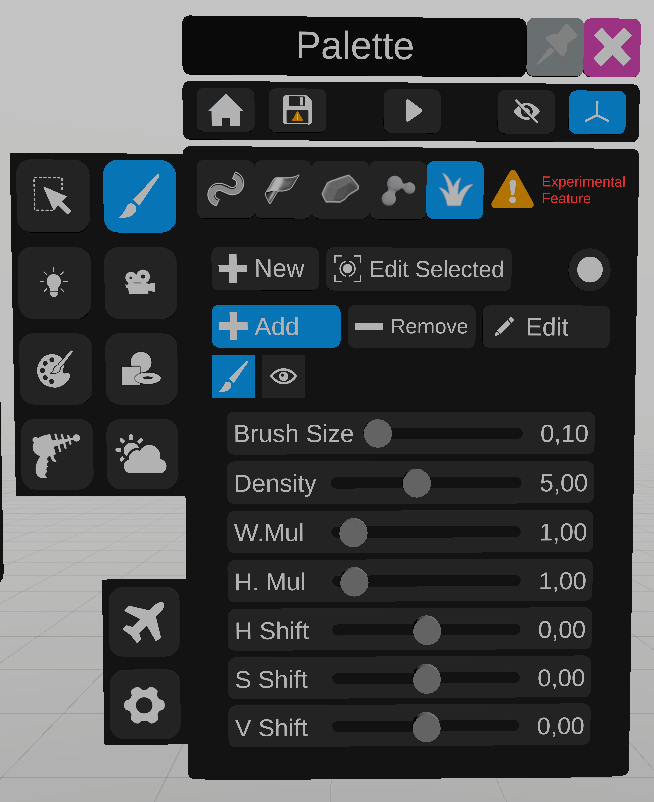
The Grass painting tool creates strands of grass over a surface. Select New to add grass surface, then aim the surface to paint on. Use the sliders under the paint icon to change how the grass is drawn.
To edit, click on “edit Selected”, then the eye icon, and use the new sliders to edit the grass already drawn.