Material
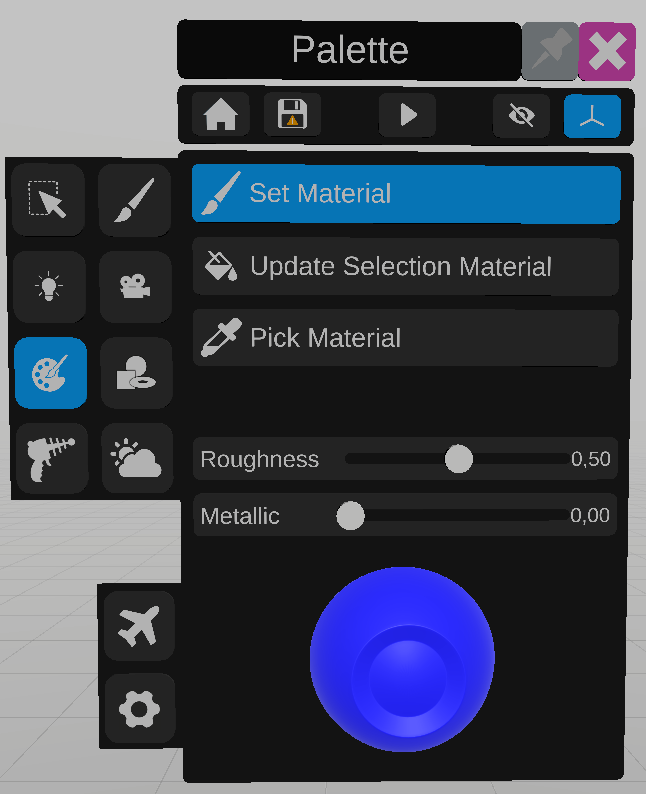
The material tool is used to edit the appearance of an object.
To set the material of an object, customize the color, roughness and the metallic level of the material using the color selector and the sliders. The sphere shows a preview of the material. Click the “set material” button, then select one or multiple objects in the scene to apply the material.
To update a material on an already selected object, click the “Update Selection material” button, and customize the material. The selected item will be updated with the new material.
To copy the material of an object, select an object, then click the Pick Material button, this will update the values of the material with the ones from the object. The material can now be set on other objects with “Set Material”.