Lighting
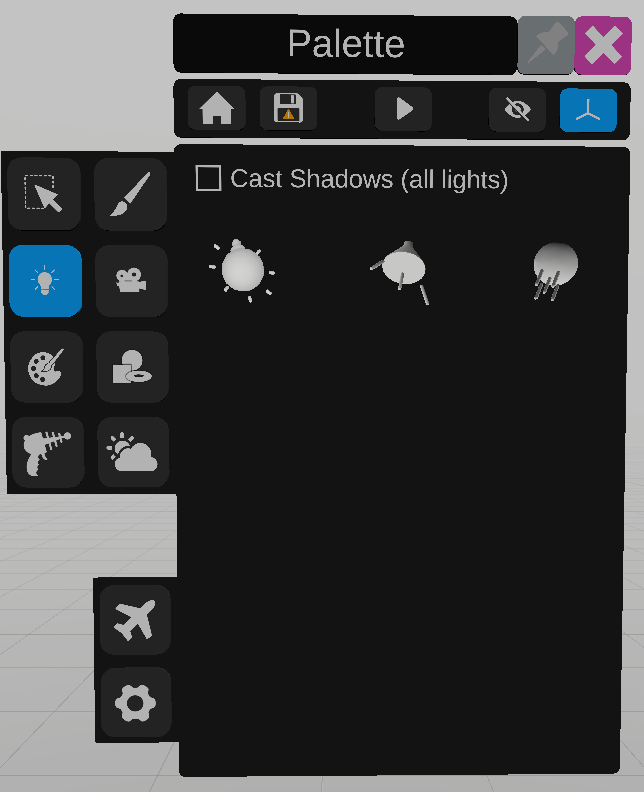
The lighting tool is used to add lights in the scene. Three different types of lights are available to the user. To add a light, drag the light’s model into the scene.
Point light adds a light at a point in the scene that projects light in every direction.
Spot light adds a light at a point in the scene that projects light restricted with an angle.
Sun light adds a global light in the scene that projects in a single direction.
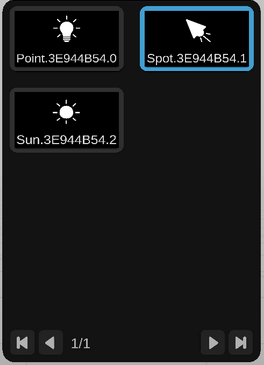
Use the panel on the right to select a light already in the scene.
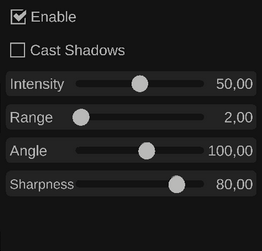
When a light is selected, new sliders to modify its parameters will appear.